Welcome!

Thank you for choosing materialiq! Our entire team hopes you will have a great
experience using this asset pack. We are looking forward to seeing the results of your creativity, so
don't forget to tag #polygoniq on social media.
Getting Help
Feel free to reach us and our community via our Discord server. We also offer support using the Superhive inbox or via email but Discord is the preferred and fastest way to receive support.
Check out the Support page for more details.
materialiq is best enjoyed with engon  

To access all materialiq features, you will need to install it into the engon addon.
You can get engon for free from our Superhive,
Gumroad or GitHub.
Here you can find shortcuts to engon documentation related to materialiq.
Feature Highlights
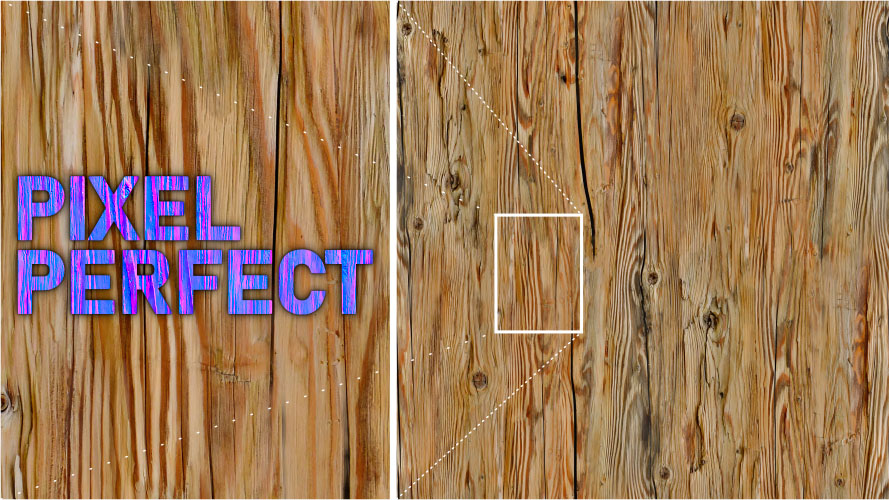
Pixel Perfect
All materials in the asset pack are hyper-realistic but also ready to use on objects with big surface area as they tile perfectly.
8K textures take up to 16x more VRAM space than 2K textures
With the great power of 8K textures there must also come great responsibility - polygoniq, 2022- Make sure to keep your scene optimized.
Choose the best resolution
of
materialiqtextures for your use case.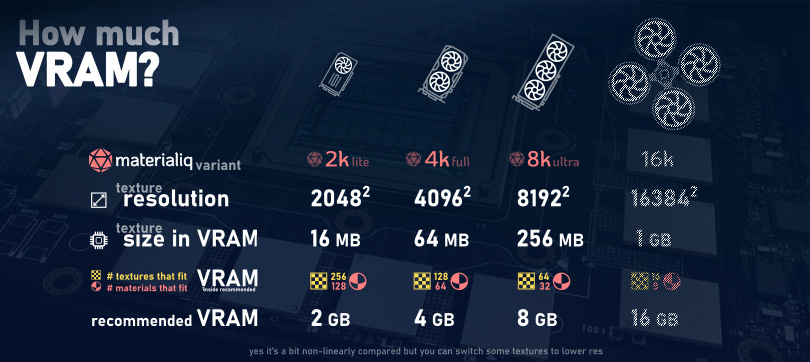
Variety
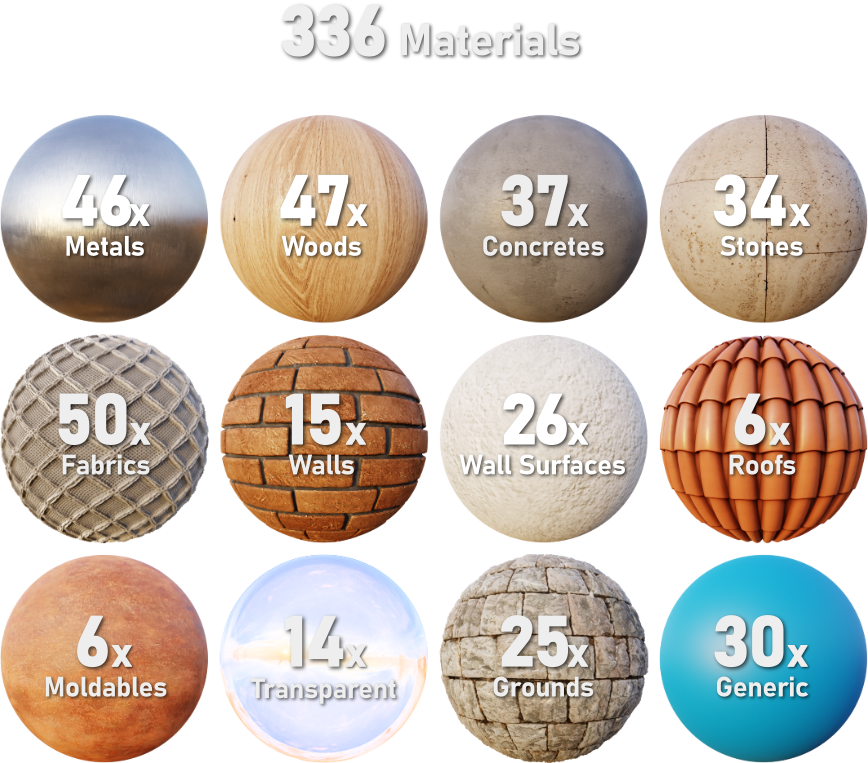
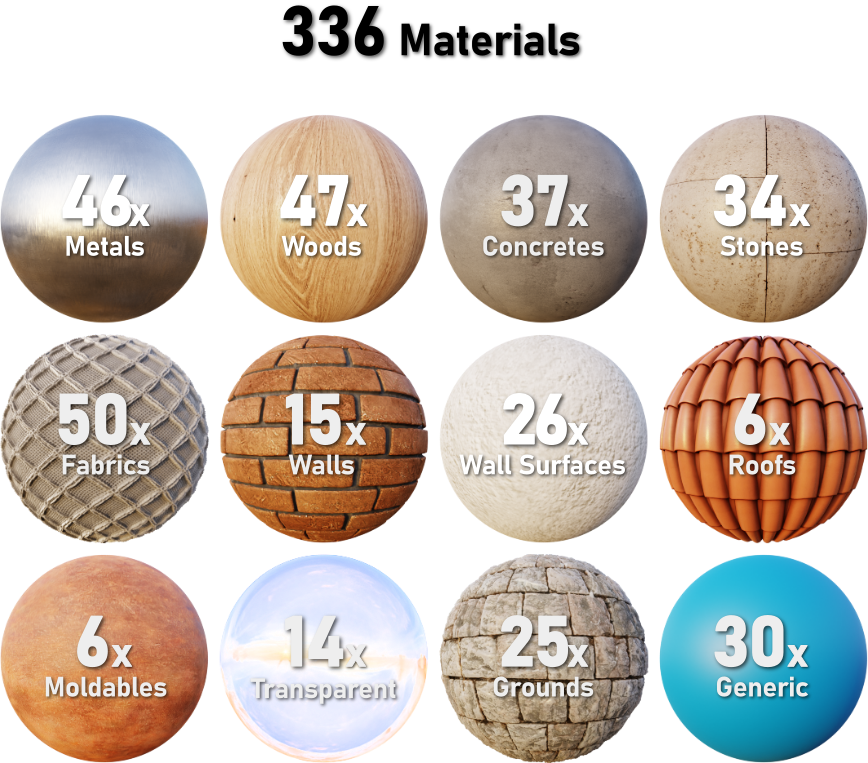
Over 330 optimized materials that will cover all of your texturing needs.
Sorting
materialiq is all about ready-to-use high quality materials. You can choose from multiple
categories, like Fabric, Transparent or Concrete. Want to have look at all the materials?
All materials are easily accessible through the engon asset browser.
Material Naming
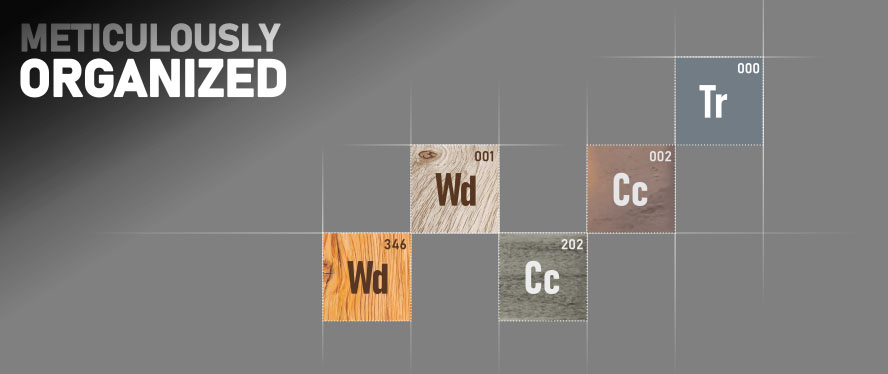
All materials have index letters based on their category and a numbers to keep them in order.
The numbers also make it easier to identify materialiq materials in projects with your own
materials so nothing gets mixed up.
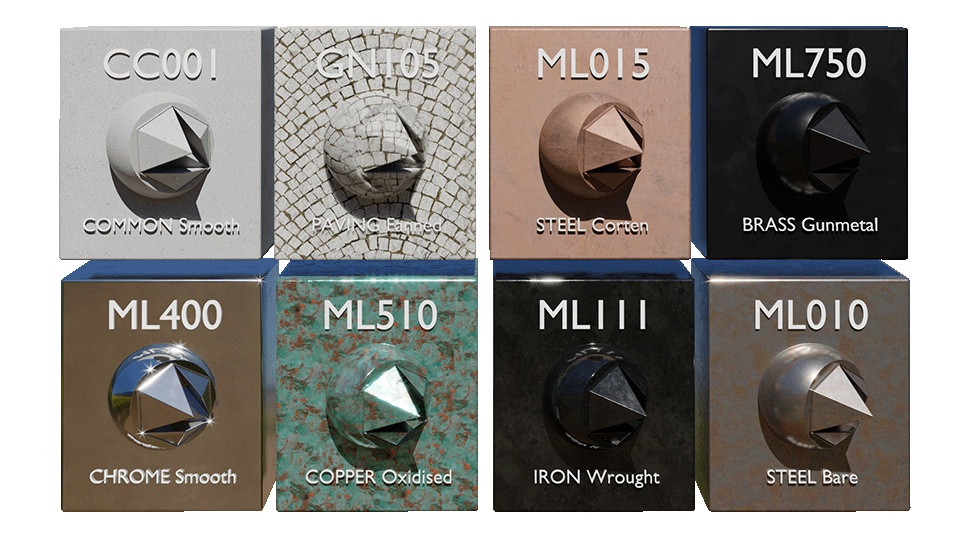
Use material indices to speed up your workflow in materialiq
It is much faster to find the right material if you remember its index. You just type "WD" when you want a wood material and that gives you a list of all wooden materials. Alternatively if you remember the exact index, let's say "WD010", you can just type that to get "WD010_DECIDUOUS-Oak-Dry-Cracked" material straight away.
Easy Customization
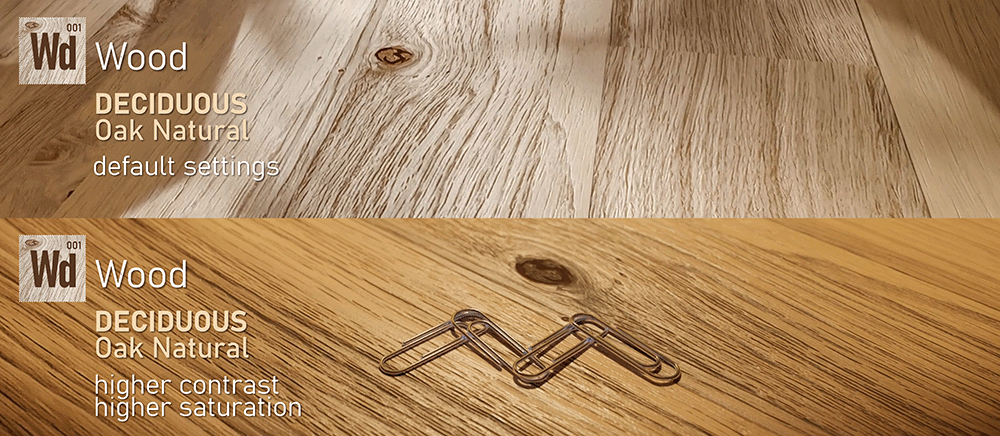
All settings and tools for creating and managing different variations of your materials are available
in the addon menu located in the N-panel. If you prefer to use the Shader Editor, we made sure
that node groups across materials are unified.
Renderers supported out of the box
- Cycles: this is the main renderer we optimize for
- Eevee: most of the assets will also render well with Eevee
Stable, LTS Blender versions supported
We know you want to use polygoniq products for production work and need stable Blender versions to
do that. We strive to support the latest and greatest as well as older Long Term Support versions
of Blender.
Updates
Gumroad
You get free additional assets and new features each time we update materialiq.
Superhive
polygoniq products purchased on Superhive come with a 12-month Support Period. During this time you receive all updates and support for the product you purchased. When your Support Period ends, you keep everything you have — your license is permanent and is never revoked. If a new update is released after your Support Period expires, you can renew at a discounted price to regain access to updates for another 12 months. Renewal is always optional.