Installation
-
In Epic Games Launcher select
Unreal Engine -
Select
Library -
Click
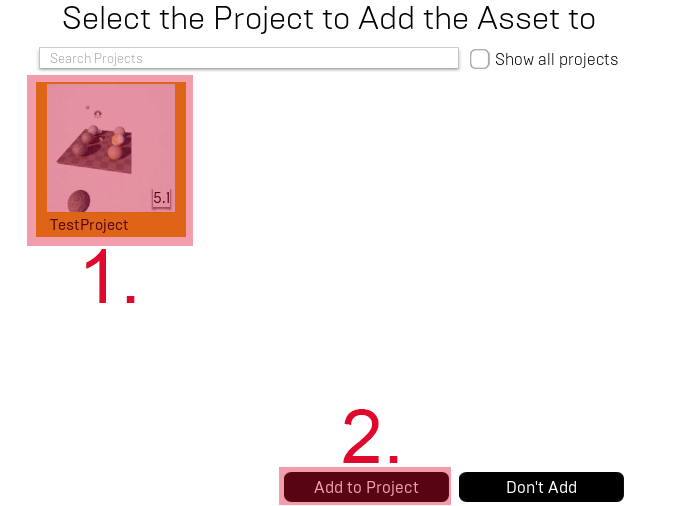
Add to Projectbelow botaniq thumbnail

-
Select project where you want to add botaniq
-
Click
Add to Project
You should see botaniq in your project content folder in Content Browser
